
Dell Server’s RAID 0 Recovery
Data Recovery from Dual Hardware-Failure RAID 0 Array

Client Scenario
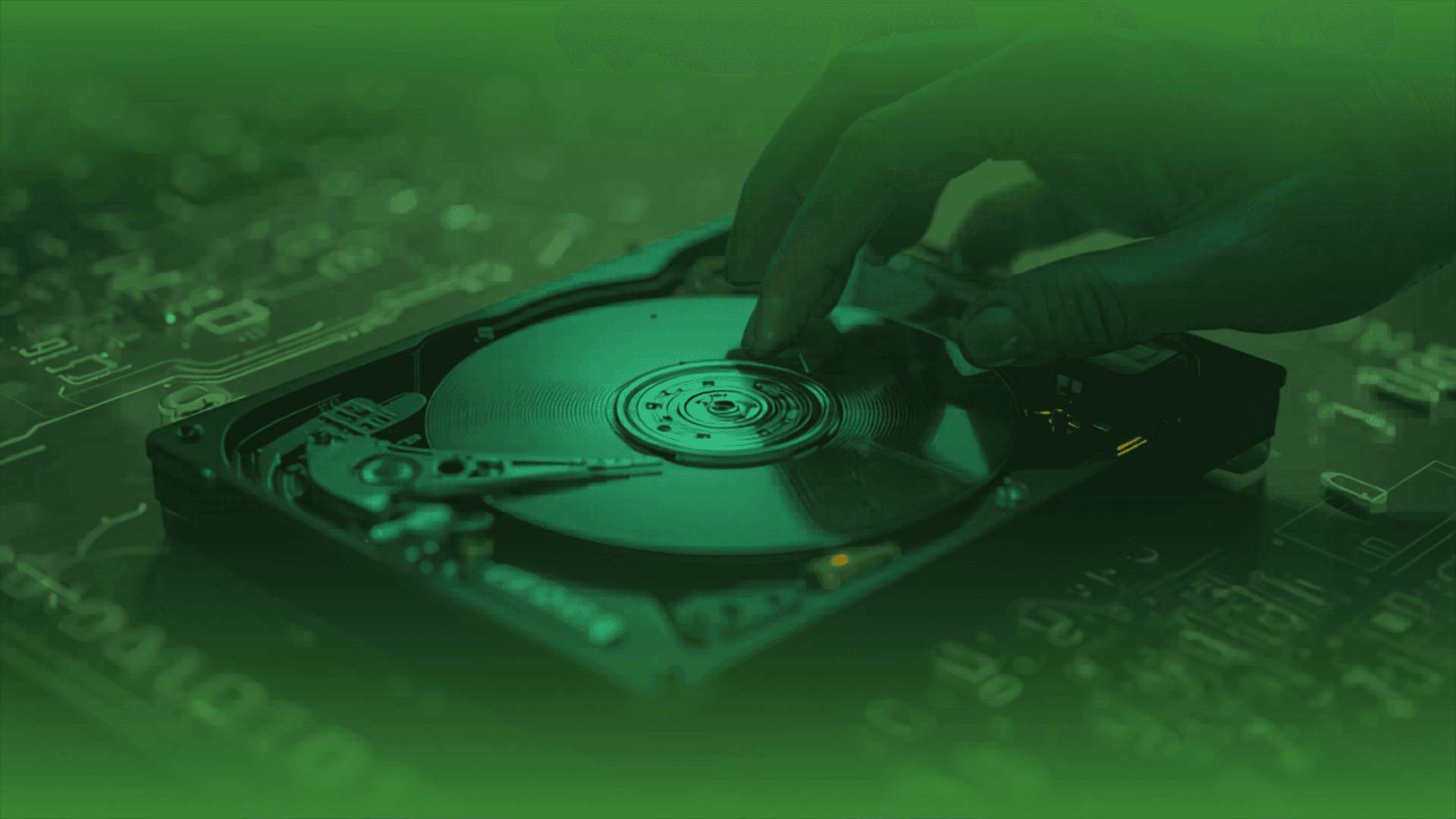
This case study consists of two Dell 3.5" 1TB hard drives. Both drives suffered concurrent mechanical and physical hardware failures。 Due to the non-redundant nature of RAID 0, the server went offline. Through advanced cleanroom physical repair, complete sector-by-sector cloning, and precise virtual RAID reconstruction, 100% of the target data was successfully recovered.
Client Profile & Challenge
- Storage Configuration: RAID 0 (Striped Volume)
- Total Capacity: 2 TB
- Media Type: 2 x Dell 3.5" 1TB HDDs (Model: HE103SJ)
- The Crisis: The primary file server suddenly went offline. Upon inspection, the RAID controller reported the array as “Failed” or “Offline.” Because RAID 0 stripes data across both drives without any parity or redundancy, the failure of even one drive results in total data corruption. In this instance, both drives encounter hardware failures, making standard software recovery impossible.
Technical Specifications
| Parameter | Specification |
Drive Count | 2 Units |
Drive Model | Dell HE103SJ (3.5" SATA 1TB) |
Array Type | RAID 0 (Performance Striping) |
Stripe Size | 64 KB (Standard default) |
File System | ext4 (Enterprise Data Volume) |
The Recovery Methodology
Phase 1: Physical Component Repair & Stabilization (Cleanroom)
Before reading any data, both drives were placed in a cleanroom for diagnostic evaluation.
- Drive 1 (Primary Failure): Diagnosed with a degraded head assembly and corrupted firmware. The read/write heads were replaced using an identical matching donor parts kit, and the drive’s service area (SA) was stabilized.
- Drive 2 (Secondary Failure): Diagnosed with severe magnetic media degradation (bad sectors) and a seized spindle motor. The platters were carefully transferred to a donor chassis to restore smooth spindle rotation.
Phase 2: Sector-by-Sector Imaging (Cloning)
Once physically stabilized, the drives were connected to recovery machine to extract raw data while bypassing standard OS errors.
- Targeted Imaging: Read algorithms were optimized to skip damaged area, securing 95% of the healthy data.
- Deep Sector Recovery: Through precise current tuning and head-mapping tweaks, optimal sectors were successfully cloned from both drives into another drive for subsequent action.
Phase 3: RAID Parameter Analysis
With digital clones of both drives,
- Determining Array Geometry: Rebuild a RAID 0 without the original controller. The exact sequence and parameters must be decoded. Technicians analyzed the hex structures of both images to identify:
- Drive Order: Determining which clone was Drive 0 and which was Drive 1.
- Stripe/Block Size: Calculated by identifying the pattern breaks in large system files across the disks.
- Virtual Assembly: Using specialized RAID reconstruction software, a virtual array was compiled using the extracted parameters.
Results & Data Extraction
Once the virtual RAID structure was mounted, the file system integrity was verified.
- Data Extracted: All directory trees, internal files, databases, and structural metadata were intact.
- Final Deliverable: The recovered data was securely extracted and transferred onto a brand-new external storage device for the client.
Key Lessons & Conclusions
This case highlights that RAID 0 offers zero fault tolerance. When either one or multiple drives suffer simultaneous hardware degradation, full data recovery is possible provided that:
- No further damage is inflicted by repeatedly powering on failing hardware.
- Expert physical head replacements and platter swaps are performed in a controlled, cleanroom environment.
- The exact logical geometry of the RAID array is mathematically and structurally maintained and not tampered with.
EHDR, We Leave No Data Behind.
More Success Stories>>>>>>
Professional Data Recovery Services
Secure • Confidential
SUCCESS STORIES
Over 14 years of enterprise data recovery experience