
HP ProLiant Enterprise Server Recovery
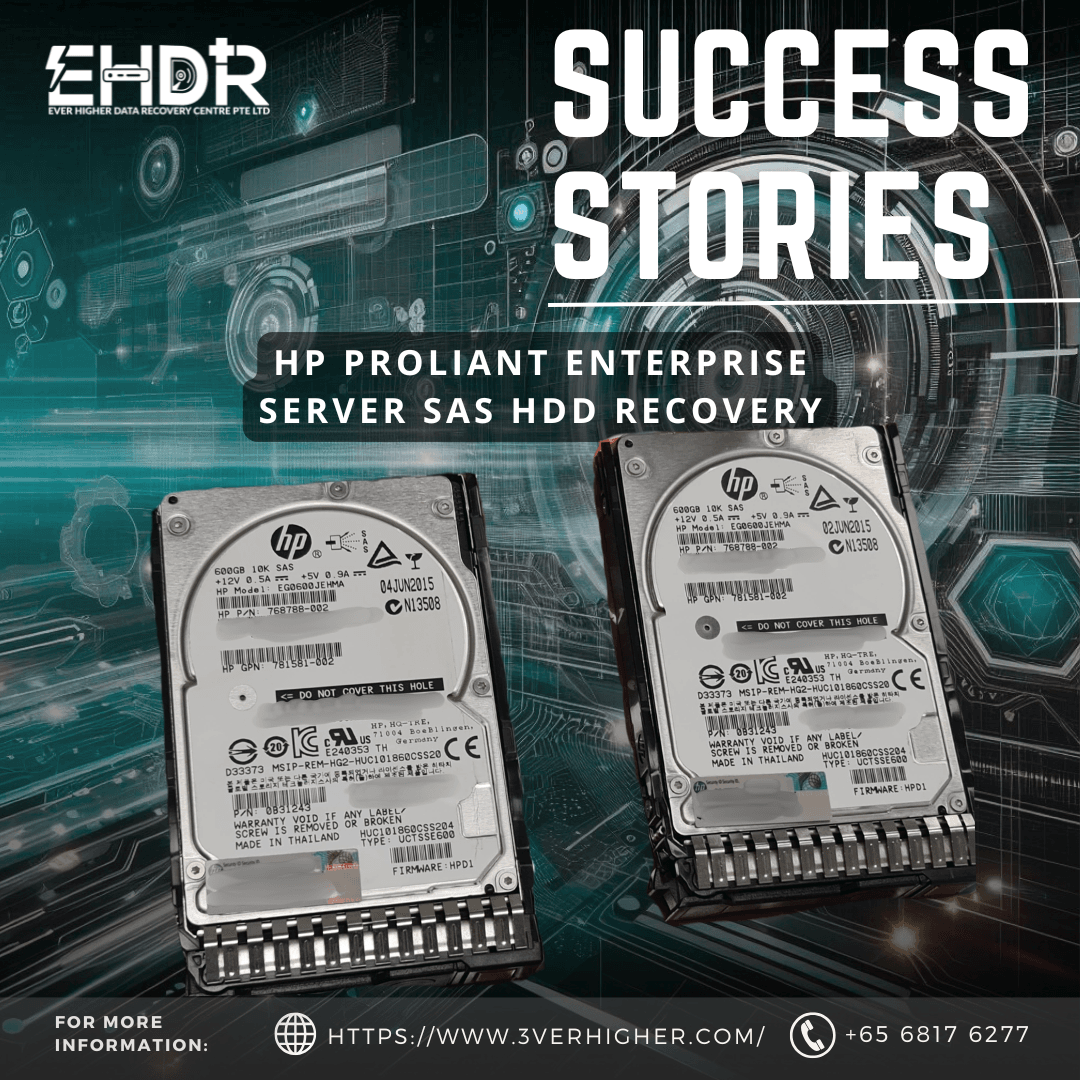
HP ProLiant Enterprise Server SAS HDD Recovery

Client Scenario
A client with an enterprise HP server that had unexpectedly crashed and completely failed to boot. The client indicated that the critical business data was stored within a RAID 1 mirrored configuration. Because the system failed without warning, the client could not identify which specific drive had triggered the failure or how long the array had been operating in a vulnerable state.
System Overview
- Platform: HP ProLiant Enterprise Server
- Drive Model: EG0600JEHMA HP 600GB SAS HDD
- RAID Configuration: RAID 1 (2 × SAS HDDs, Mirrored)
- Status: Completely Unbootable
Initial Assessment & Diagnostic
Upon receiving the storage media, our engineering team conducted a detailed physical and structural evaluation.
- RAID Array Structure: Could not be verified.
- Drive 1 Status: Mechanical Failure. The drive’s hardware shows instability and read/write head degradation.
- Drive 2 Status: Mechanical Failure. The second mirror was also suffering from internal mechanical failure.
The Challenge: Dual Mechanical Failure & Stale Mirror Risks
Recovering data from both mechanical and electrical failures is necessary. In a RAID 1 environment, if one drive degrades or mechanically fails weeks or months prior, the server will silently continue running on the single remaining healthy disk.
Because the client did not know which drive or the exact timeline of when the first drive dropped out of the array, blindly extracting data from just 1 drive could result in a false-positive recovery. The client might be restoring a system state that is completely outdated and obsolete.
Recovery Approach
1. Advanced Mechanical Recovery
Because both HP SAS drives suffered severe mechanical failure, our specialists performed recovery in a Cleanroom environment.
2. Sector-by-Sector Mirror Cloning
Once the mechanical components are stabilized, the recovery team will begin cloning the physical drives sector by sector. By cloning the optimum level of data sectors. Recovery will be performed from the cloned drive. Original enterprise media is preserved and isolated from further stress.
3. Cross-Drive Data Consistency Check
With two images secured from both drives, data specialists mapped out the file system structures and analyzed internal logs, database headers, and transactional timestamps. This step was crucial to identify which drive held the live production data up to the moment of the final server crash, and which drive contained the stale data from the initial mirror failure.
4. Client Verification & Validation Session
EHDR hosted a targeted data checking session with the client. The user manually reviewed the data and confirmed that the most recent, up-to-date business records were fully intact.
Outcome
All data was securely saved into a brand-new storage drive and prepared for collection.
Conclusion
This case study highlights that enterprise RAID 1 recovery involves far more than simply copying files from a single drive after a server crash. When multiple drives experience physical hardware failure, without verifying data consistency across both mirrors, businesses face a high risk of restoring stale, corrupted, or out-of-sync files.
If your organization’s primary server unexpectedly shuts down or goes offline, avoid repeated reboot attempts. It might cause irreversible damage. Contact a professional data recovery specialist immediately.
EHDR, We Leave No Data Behind.
More Success Stories>>>>>>

Professional Data Recovery Services
Secure • Confidential
SUCCESS STORIES
Over 14 years of enterprise data recovery experience