
Synology 4-Bay NAS Recovery: RAID 5, with Only One Healthy Drive
RAID 5 With One Blank Drive and Two Mechanical Failures

Client Scenario & Profile
The client brought in a Synology 4-bay NAS populated with four Western Digital Red 4 TB drives (model WD40EFRX-68WT0N0). The client believed the volume was configured as RAID 0 (striping with no redundancy), which would mean that the loss of any single drive would make the data unrecoverable by normal means.
The NAS was no longer accessible, and the client was concerned that the data was lost, since a damaged RAID 0 array is generally considered a worst-case scenario. A structure that will fail if any of the HDD break down.
The Unusual Findings in Assessment
The given information does not match the RAID condition. One of the four drives contained no data at all and showed no sign of having joined the array. This is unusual, because a healthy RAID 5 member should hold data and parity stripes.
In this situation, the array was already running in degraded mode, with one member contributing nothing. That was likely the case before the client noticed the failure. Since one of them is gone, the remaining three drives must stay healthy to access the data. As to why it happened? We cannot determine from the drive alone. But based on past cases, common possibilities include a replacement drive that never completed its rebuild, a drive that was swapped in and then dropped out of the array, or a drive added to the NAS but never integrated. Each of these leaves a blank member in an array.
Of the remaining three drives, the other two had mechanical failures. With no redundancy left, mechanical faults on two drives made this the critical challenge. A degraded RAID 5 requires all remaining drives. If any one of the two failing drives could not be read, the data in the stripes it held could not be reconstructed.
The only healthy drive was the key to the recovery. It still carried intact RAID metadata describing the array, including the RAID layout, which we found to be RAID 5. From that metadata, we could confirm the true configuration and use it to reassemble the array in a virtual environment.
Since the RAID structure had been identified, the chances of recovery increased. Why? Because different RAID levels affect the success rate.
In RAID 0, it splits data across all drives with no parity. Losing any one drive normally means losing the whole volume.
In RAID 5, parity is stored across all drives so that the array can tolerate the loss of one drive and still be able to recover the data. Let’s take this case as an example, if it were RAID 0, all 4 drives must be recovered without any missing metadata. But since it was RAID 5, recovery can focus only on 3 drives and restructure the RAID metadata based on the healthy drive.
The Recovery Methodology
1. Mechanical Recovery of the Failing Drives
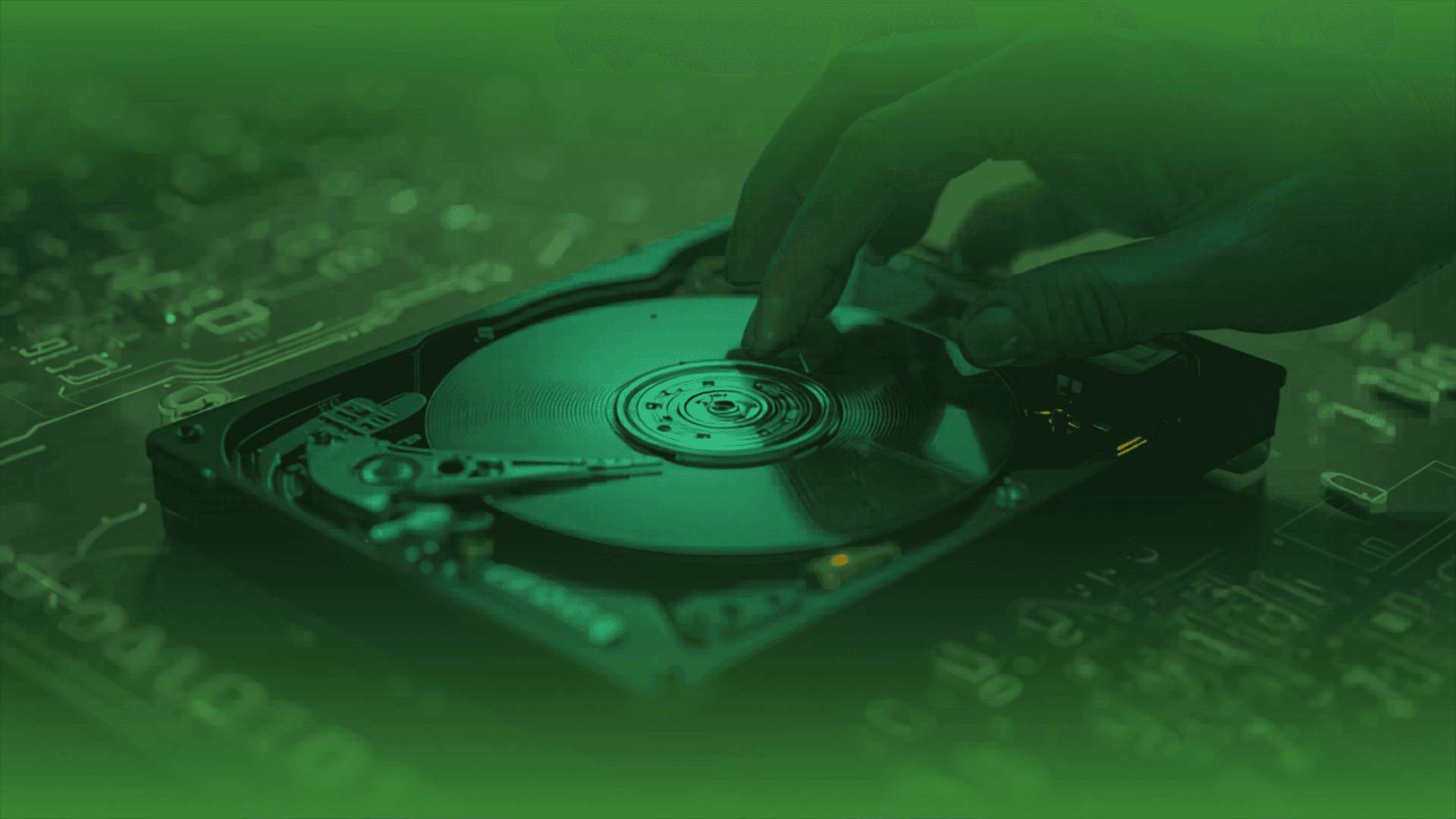
The two mechanically failed drives were handled in the lab to extract their data. It is crucial in the RAID reconstruction steps. Without them, rebuilding is impossible.
2. Sector-Level Imaging
Every readable drive was imaged. All analysis and reconstruction were done on the images, so the original drives were preserved in their optimal condition.
3. RAID Parameter Extraction
The healthy drive’s metadata was used as a reference to build the RAID 5 structure.
4. Virtual RAID 5 Reconstruction
With three available images(clones) and metadata from 1 drive, we reconstruct the parity.
5. Filesystem Validation & Extraction
After the RAID was restructured and parity was verified, the volume was successfully rebuilt. Another image was made before extracting data from it.
6. Verification
Recovered files were checked for integrity, and a data-checking session was arranged with the client for their verification and acknowledgment.
Final Result
The recovery was successful at 99%. The required data are all intact and have been accepted by the client.
Key Issue & Conclusion
Without proper documentation, people often forget the RAID level, especially when a NAS is set up by a previous administrator or vendor. A false assumption might affect the overall recovery methodology, which could make a big difference.
This is why a data recovery centre should not assume the method or success rate before any assessment.
If you are a NAS owner, check your NAS management interface and document it. This helps to avoid incorrect assumptions that might lead to wrong decisions.
If you ever encountered the above situation, keep calm. Feel free to contact us for advice.
EHDR, We Leave No Data Behind.
More Success Stories>>>>>>
Professional Data Recovery Services
Secure • Confidential
SUCCESS STORIES
Over 14 years of enterprise data recovery experience