
Call Now: +65 6817 6277

Data Recovery Service & Data Recovery Singapore
  • HOME
  • DATA RECOVERY
    • DEVICE TYPES
      • CCTV Recorder Systems
      • Drones Device
      • PC, Laptop & Tablets
      • Mobile Phones
      • RAID Servers
    • FILE TYPES
      • Emails (PST,IMAP,OST)
      • Files (Documents, Database)
      • Password Recovery
      • Photos, Videos, Audio
      • WhatsApp Mobile Apps
    • STORAGE DEVICES
      • External Hard Disk Drive (HDD)
      • Hard Disk Drive (HDD)
      • Network Attached Storage (NAS)
      • Server Data Recovery
      • Micro SD / SD / CF Card Data Recovery
      • Solid State Drive (SSD)
      • USB Thumb Drive / Flash Drive
  • FORENSICS
    • FORENSIC SERVICES
      • Forensic Mobile Malware Scan
    • ENTREPRISE SOLUTIONS
      • OpenText™
      • Elcomsoft
  • PRODUCTS
    • DATA RECOVERY TOOLS
      • Rusolut
    • DATA RECOVERY SOFTWARES
      • Video Data Recovery Softwares
    • FORENSICS TOOLS
      • OpenText™ EnCase™ Forensic
      • OpenText™ EnCase™ Endpoint Investigator
      • OpenText™ EnCase™ EndPoint Security
      • OpenText™ EnCase™ Mobile Investigator
      • OpenText™ Tableau TX1 Forensic Imager
      • OpenText™ Tableau Forensic TD4
      • OpenText™ Tableau TD2U Forensic Imager
      • PEAK Olympus
      • PEAK Everest
      • PEAK Matterhorn
      • PEAK Fuji
      • Siforce Nano II
      • Siforce One
      • Siforce Smart
      • Siforce Lightning NV
      • Tableau Forensic PCIe Bridge T7U
      • Tableau Forensic SATA/IDE Bridge T35u
      • Tableau T356789IU Forensic Universal Bridge
      • Tableau Forensic SATA/IDE Read-Write Bridge T35u-RW
      • Tableau T6U SAS Forensic Bridge (Write-Blocker)
      • Tableau T8U USB3.0 Forensic Bridge (Write Blocker)
      • Tableau Forensic SATA Drive Bay T3iu
    • FORENSIC SOFTWARES
      • Digital Forensic Softwares
      • Elcomsoft Premium Forensic Bundle
      • Elcomsoft Desktop Forensic Bundle
      • Elcomsoft Mobile Forensic Bundle
      • Elcomsoft Distributed Password Recovery
      • Advanced Office Password Recovery
      • Advanced EFS Data Recovery
      • Advanced PDF Password Recovery
      • Elcomsoft Internet Password Breaker
      • Elcomsoft System Recovery
  • SUCCESS STORIES
  • CONTACT
  • HOME
  • DATA RECOVERY
    • DEVICE TYPES
      • CCTV Recorder Systems
      • Drones Device
      • PC, Laptop & Tablets
      • Mobile Phones
      • RAID Servers
    • FILE TYPES
      • Emails (PST,IMAP,OST)
      • Files (Documents, Database)
      • Password Recovery
      • Photos, Videos, Audio
      • WhatsApp Mobile Apps
    • STORAGE DEVICES
      • External Hard Disk Drive (HDD)
      • Hard Disk Drive (HDD)
      • Network Attached Storage (NAS)
      • Server Data Recovery
      • Micro SD / SD / CF Card Data Recovery
      • Solid State Drive (SSD)
      • USB Thumb Drive / Flash Drive
  • FORENSICS
    • FORENSIC SERVICES
      • Forensic Mobile Malware Scan
    • ENTREPRISE SOLUTIONS
      • OpenText™
      • Elcomsoft
  • PRODUCTS
    • DATA RECOVERY TOOLS
      • Rusolut
    • DATA RECOVERY SOFTWARES
      • Video Data Recovery Softwares
    • FORENSICS TOOLS
      • OpenText™ EnCase™ Forensic
      • OpenText™ EnCase™ Endpoint Investigator
      • OpenText™ EnCase™ EndPoint Security
      • OpenText™ EnCase™ Mobile Investigator
      • OpenText™ Tableau TX1 Forensic Imager
      • OpenText™ Tableau Forensic TD4
      • OpenText™ Tableau TD2U Forensic Imager
      • PEAK Olympus
      • PEAK Everest
      • PEAK Matterhorn
      • PEAK Fuji
      • Siforce Nano II
      • Siforce One
      • Siforce Smart
      • Siforce Lightning NV
      • Tableau Forensic PCIe Bridge T7U
      • Tableau Forensic SATA/IDE Bridge T35u
      • Tableau T356789IU Forensic Universal Bridge
      • Tableau Forensic SATA/IDE Read-Write Bridge T35u-RW
      • Tableau T6U SAS Forensic Bridge (Write-Blocker)
      • Tableau T8U USB3.0 Forensic Bridge (Write Blocker)
      • Tableau Forensic SATA Drive Bay T3iu
    • FORENSIC SOFTWARES
      • Digital Forensic Softwares
      • Elcomsoft Premium Forensic Bundle
      • Elcomsoft Desktop Forensic Bundle
      • Elcomsoft Mobile Forensic Bundle
      • Elcomsoft Distributed Password Recovery
      • Advanced Office Password Recovery
      • Advanced EFS Data Recovery
      • Advanced PDF Password Recovery
      • Elcomsoft Internet Password Breaker
      • Elcomsoft System Recovery
  • SUCCESS STORIES
  • CONTACT

LATEST

POSTS & TUTORIALS
June 25, 2025  |  By KC Ng

Android Phone Not Turning On? Try These 3 DIY Fixes Before You Panic

Android Phone Not Turning On 2

It's a frustrating moment—your Android phone won't turn on, and you're left staring at a black screen. Before assuming the worst, try these three simple steps to revive your device. No special tools or tech skills are needed!

1. Charge Your Phone

It may sound obvious, but the most common reason a phone won't turn on is a completely drained battery.

  • Plug in your phone using a working charger and cable.
  • Let it charge for at least 30 minutes, even if nothing shows up on the screen.
  • Avoid using a laptop USB port; use a wall adapter for faster and more reliable charging.

2. Force Restart the Phone

If the screen remains black after charging, try a force restart. This can wake up a frozen system without affecting your data.

Steps vary slightly by phone model, but a common method is:

  • Press and hold both the Power and Volume Down buttons simultaneously.
  • Hold the device for 7–10 seconds until it vibrates or restarts.
  • If unsure, search online for:
  • "<your phone model> force restart"

3. Try Booting Into Safe Mode

If your phone vibrates, lights up, or displays a logo but doesn't fully start, Safe Mode may help identify if a third-party app is the cause.

Here's how:

  • Press and hold the Power button until you see the brand logo or animation.
  • Release the Power button, then immediately press and hold the Volume Down button.
  • Keep holding until the phone finishes booting.
  • If successful, you'll see "Safe Mode" in the bottom corner of the screen.

Still Not Turning On? Here's What to Do Next

If none of these steps work:

  • No important data on the phone? Visit a trusted phone repair center.
  • Need to recover important data? Consult a professional data recovery service before attempting any repairs. This action could increase your chances of retrieving your files safely.

Final Tip:

Avoid attempting advanced repairs on your own if you're unsure. You could void your warranty or cause more damage.

  CONTACT US  

Please enable JavaScript in your browser to complete this form.
Loading

Previous StoryPhone Water Damage: Immediate Steps to Prevent Data Loss
Next StoryWhy SD Cards Get Corrupted And How to Prevent It

Related Articles

  • can an External Hard Drive Be Repaired
    Can an External Hard Drive Be Repaired? Guide to Identify Issues
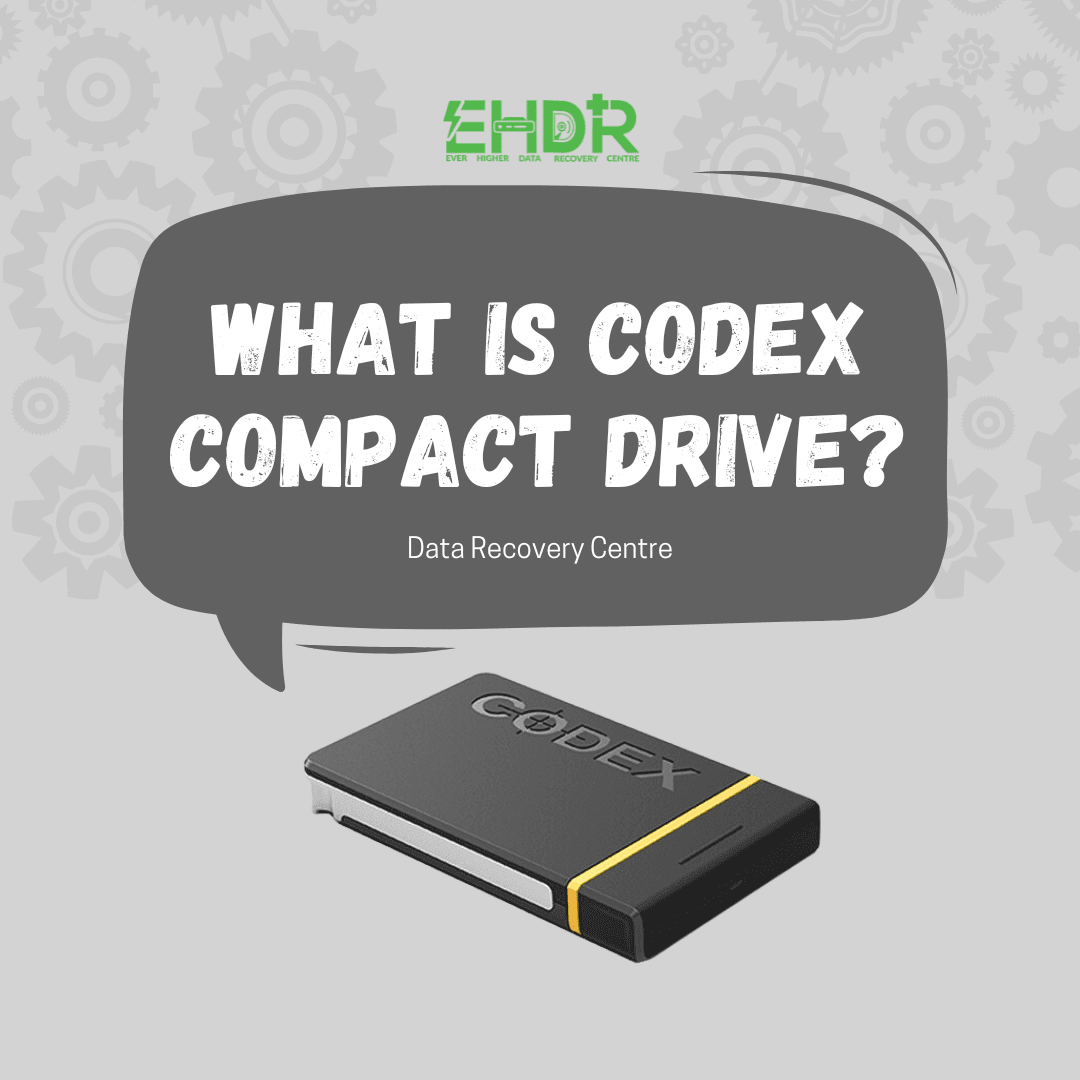
  • What is Codex Compact drive
    What is Codex Compact Drives | How Data Recovery Works If Fail

Seach Here

TAGS

Cloud Command Prompt computer data data recovery data recovery company Singapore desktop dns domain Email Files file sharing Folders Hard Disk Drive imap internet IP address IPv4 laptop laptop data recovery singapore Microsoft mobile phone data recovery singapore Office 365 OneDrive Online outlook pop3 Recovery regedit repair hard disk Singapore server Sharing sharing files Singapore data recovery centre smtp storage troubleshooting virus Web Portal Window windows windows 7 windows 10 wireless Zimbra

ABOUT US

We are team of IT expertise who passionately in love with technologies and regularly conducts research & testing to develop new and better IT solutions for difference scales of business. We believe that IT makes business better!

CATEGORIES

  • Blog (164)
  • Devices (11)
  • Hard Drive (8)
  • Other Storage Devices (10)
  • Servers (2)

About EHDR Data Recovery

We can help you with all your data recovery needs. A Data Recovery Company You Can Trust!

217 Henderson Road,
Block 09, Level 2,
Henderson Industrial Park,
Singapore 159555

DATA RECOVERY SERVICE

Internal & External Hard Disk Data Recovery Service | SD Data Recovery Service | SSD Data Recovery Service | Laptop Data Recovery Service | Server Data Recovery Service | NAS/SAN/DAS Recovery Service | Phone Data Recovery Service

Our Blog

  • Can an External Hard Drive Be Repaired? Guide to Identify Issues
  • What is Codex Compact Drives | How Data Recovery Works If Fail
  • MacBook Notes Gone After Clearing Cache? Recovery Is Possible

Working Hour

Mon - Fri: 9:00 - 18:00

Sat: 10:00 - 13:00 (By Appointment Only)

Sun: Closed

Data Recovery Service & Data Recovery Singapore
  • Home
  • About Us
  • Forensic
  • Blog
  • FAQ
  • Privacy Policy
  • |
  • Contact
  • |

EVER HIGHER DATA RECOVERY CENTRE | COPYRIGHT © 2012 - All Rights Reserved

WhatsApp Now