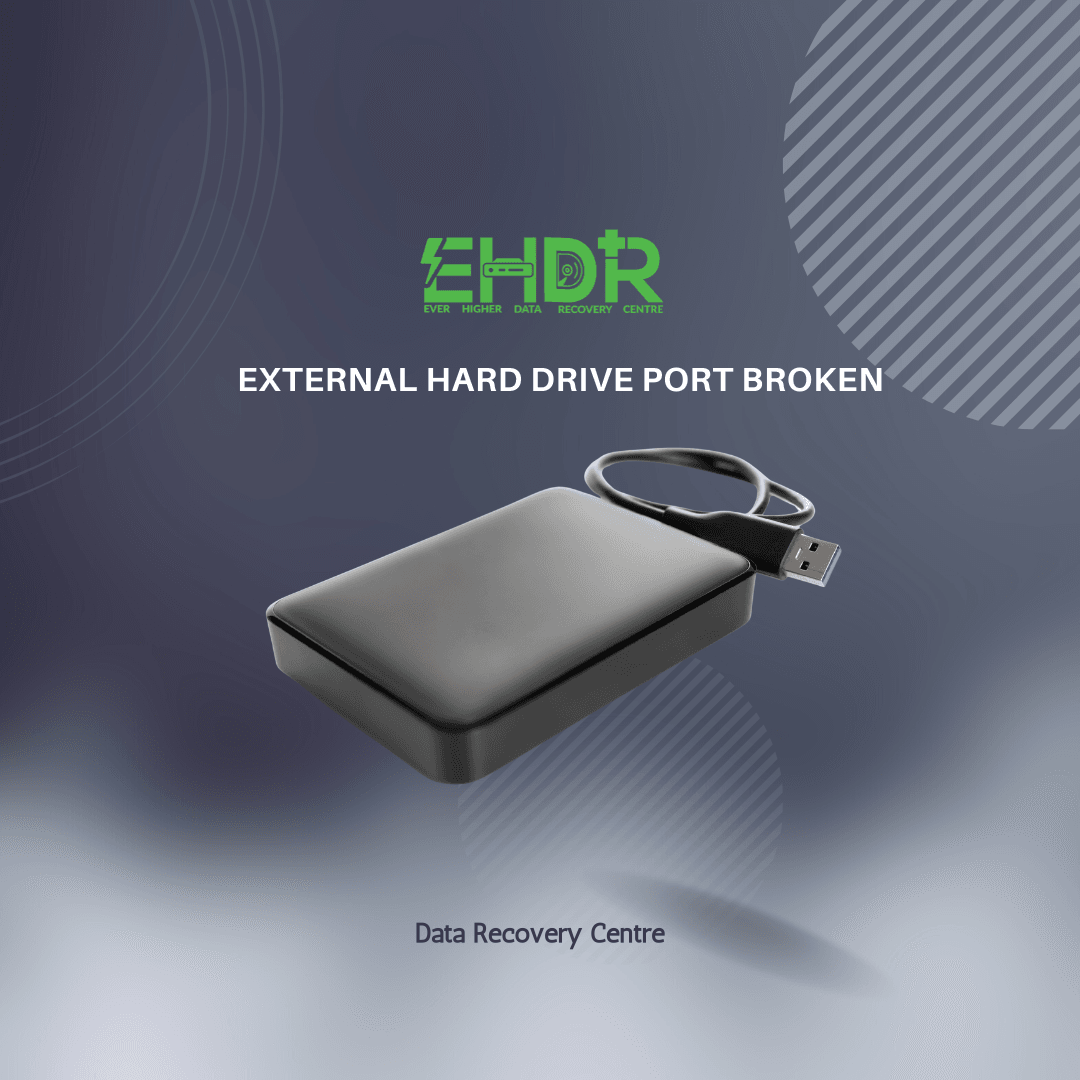
Understanding What “Broken Port” Really Means
If your external hard drive won’t connect, the issue is usually not with the storage disk. Most of the time, the problem happens at one of these spots:
- The USB connector on the casing
- The small port you plug the cable into becomes loose, bent, or detached.
- The internal USB‑to‑SATA bridge board
- The tiny circuit board inside the enclosure converts the drive’s native connection to USB.
- The drive’s own connector
- This problem is less common but more serious, especially on drives with a USB port attached directly to the drive.
Each type of failure affects how easily the drive can be rescued.
Why the Data Is Usually Still Safe
External drives are essentially two parts:
- A storage drive (HDD or SSD)
- A USB enclosure that provides power and a USB interface
When the port breaks, it’s usually the enclosure that’s the problem, not the storage drive. This means your files are still there and can be recovered if the disk itself is okay.
What You Can Try at Home
Most people can try these steps safely, and you don’t need to be a tech expert.
1. Test with a different cable
If the port is just a little loose, using a cable with a snugger fit might let you connect long enough to copy your data.
2. Remove the drive from the enclosure
Most external drives contain a standard 2.5-inch SATA drive inside. If the enclosure’s port is broken, you can:
- Open the casing
- Remove the internal drive.
- Connect it using:
- A SATA‑to‑USB adapter
- A new external enclosure
- A desktop PC’s SATA port
This method works well for brands that use standard SATA drives inside their enclosures.
When Things Get More Complicated
Some brands, like Western Digital (WD) and some Seagate models, use a special USB connector that’s attached right to the drive. In these cases, taking the drive out won’t help because the USB port is built into the drive itself.
Signs your drive may be one of these:
- The USB port is attached directly to the drive, not a separate board.
- The model is from the WD Elements, WD My Passport, or Seagate Slim series.
If this port breaks, your data is still on the drive, but getting it back will require one of these steps:
- Micro‑soldering the port back on, or
- Replacing the controller board with an identical model (same firmware)
This kind of repair is delicate and should be done by professionals.
When to Seek Professional Help
If your data is important, such as family photos, work documents, or financial records, it’s safer not to try fixing it yourself. Trying to plug in a damaged port over and over can make things worse.
Professional data recovery services can get your data directly from the drive’s platters or chips if needed.
How to Prevent This in the Future
You can lower the risk of port damage by following a few simple habits:
- Avoid moving the drive while it’s plugged in.
- Use short cables that don’t strain the port.
- Keep backups in multiple locations, including cloud storage.
If you can share the brand and model of your external drive, I can help you determine whether it uses a standard SATA interface or a proprietary USB board, which will guide your next steps. Feel free to contact us for advice.
EHDR, We Leave No Data Behind.