
Call Now: +65 6817 6277

Data Recovery Service & Data Recovery Singapore
  • HOME
  • DATA RECOVERY
    • DEVICE TYPES
      • CCTV Recorder Systems
      • Drones Device
      • PC, Laptop & Tablets
      • Mobile Phones
      • RAID Servers
    • FILE TYPES
      • Emails (PST,IMAP,OST)
      • Files (Documents, Database)
      • Password Recovery
      • Photos, Videos, Audio
      • WhatsApp Mobile Apps
    • STORAGE DEVICES
      • External Hard Disk Drive (HDD)
      • Hard Disk Drive (HDD)
      • Network Attached Storage (NAS)
      • Server Data Recovery
      • Micro SD / SD / CF Card Data Recovery
      • Solid State Drive (SSD)
      • USB Thumb Drive / Flash Drive
  • FORENSICS
    • FORENSIC SERVICES
      • Forensic Mobile Malware Scan
    • ENTREPRISE SOLUTIONS
      • OpenText™
      • Elcomsoft
  • PRODUCTS
    • DATA RECOVERY TOOLS
      • Rusolut
    • DATA RECOVERY SOFTWARES
      • Video Data Recovery Softwares
    • FORENSICS TOOLS
      • OpenText™ EnCase™ Forensic
      • OpenText™ EnCase™ Endpoint Investigator
      • OpenText™ EnCase™ EndPoint Security
      • OpenText™ EnCase™ Mobile Investigator
      • OpenText™ Tableau TX1 Forensic Imager
      • OpenText™ Tableau Forensic TD4
      • OpenText™ Tableau TD2U Forensic Imager
      • PEAK Olympus
      • PEAK Everest
      • PEAK Matterhorn
      • PEAK Fuji
      • Siforce Nano II
      • Siforce One
      • Siforce Smart
      • Siforce Lightning NV
      • Tableau Forensic PCIe Bridge T7U
      • Tableau Forensic SATA/IDE Bridge T35u
      • Tableau T356789IU Forensic Universal Bridge
      • Tableau Forensic SATA/IDE Read-Write Bridge T35u-RW
      • Tableau T6U SAS Forensic Bridge (Write-Blocker)
      • Tableau T8U USB3.0 Forensic Bridge (Write Blocker)
      • Tableau Forensic SATA Drive Bay T3iu
    • FORENSIC SOFTWARES
      • Digital Forensic Softwares
      • Elcomsoft Premium Forensic Bundle
      • Elcomsoft Desktop Forensic Bundle
      • Elcomsoft Mobile Forensic Bundle
      • Elcomsoft Distributed Password Recovery
      • Advanced Office Password Recovery
      • Advanced EFS Data Recovery
      • Advanced PDF Password Recovery
      • Elcomsoft Internet Password Breaker
      • Elcomsoft System Recovery
  • SUCCESS STORIES
  • CONTACT
  • HOME
  • DATA RECOVERY
    • DEVICE TYPES
      • CCTV Recorder Systems
      • Drones Device
      • PC, Laptop & Tablets
      • Mobile Phones
      • RAID Servers
    • FILE TYPES
      • Emails (PST,IMAP,OST)
      • Files (Documents, Database)
      • Password Recovery
      • Photos, Videos, Audio
      • WhatsApp Mobile Apps
    • STORAGE DEVICES
      • External Hard Disk Drive (HDD)
      • Hard Disk Drive (HDD)
      • Network Attached Storage (NAS)
      • Server Data Recovery
      • Micro SD / SD / CF Card Data Recovery
      • Solid State Drive (SSD)
      • USB Thumb Drive / Flash Drive
  • FORENSICS
    • FORENSIC SERVICES
      • Forensic Mobile Malware Scan
    • ENTREPRISE SOLUTIONS
      • OpenText™
      • Elcomsoft
  • PRODUCTS
    • DATA RECOVERY TOOLS
      • Rusolut
    • DATA RECOVERY SOFTWARES
      • Video Data Recovery Softwares
    • FORENSICS TOOLS
      • OpenText™ EnCase™ Forensic
      • OpenText™ EnCase™ Endpoint Investigator
      • OpenText™ EnCase™ EndPoint Security
      • OpenText™ EnCase™ Mobile Investigator
      • OpenText™ Tableau TX1 Forensic Imager
      • OpenText™ Tableau Forensic TD4
      • OpenText™ Tableau TD2U Forensic Imager
      • PEAK Olympus
      • PEAK Everest
      • PEAK Matterhorn
      • PEAK Fuji
      • Siforce Nano II
      • Siforce One
      • Siforce Smart
      • Siforce Lightning NV
      • Tableau Forensic PCIe Bridge T7U
      • Tableau Forensic SATA/IDE Bridge T35u
      • Tableau T356789IU Forensic Universal Bridge
      • Tableau Forensic SATA/IDE Read-Write Bridge T35u-RW
      • Tableau T6U SAS Forensic Bridge (Write-Blocker)
      • Tableau T8U USB3.0 Forensic Bridge (Write Blocker)
      • Tableau Forensic SATA Drive Bay T3iu
    • FORENSIC SOFTWARES
      • Digital Forensic Softwares
      • Elcomsoft Premium Forensic Bundle
      • Elcomsoft Desktop Forensic Bundle
      • Elcomsoft Mobile Forensic Bundle
      • Elcomsoft Distributed Password Recovery
      • Advanced Office Password Recovery
      • Advanced EFS Data Recovery
      • Advanced PDF Password Recovery
      • Elcomsoft Internet Password Breaker
      • Elcomsoft System Recovery
  • SUCCESS STORIES
  • CONTACT

LATEST

POSTS & TUTORIALS
April 1, 2021  |  By KC Ng

Information Security and Backup Strategies to Keep Ransomware at Bay

1st april 2021 head image

More than 200,000 organizations in the United States experienced ransomware attacks in 2019 alone, a 41% increase from 2018. Attacks have become increasingly diversified and sophisticated, targeting organizations and businesses of all sizes.

Ransomware is a type of malicious software that compromises a user’s device, encrypts and blocks the user from accessing their files and then demands a ransom in exchange for restoring the files. Traditional forms of ransomware simply encrypt files, while more modern variants go one step further by also transferring potentially sensitive data to the attackers, who then threatens to release them.

Preventing ransomware attacks are also no longer as simple as avoiding suspicious email attachments and installing an antivirus. Threat actors have been increasingly successful at exploiting organizations through phishing, social engineering, and exploiting unpatched or zero-day software vulnerabilities.


Establishing security awareness and systematic planning

Though ransomware attacks pose an existential threat to businesses, more often than not, little is done to protect against them. Fortunately, there are some easy ways to mitigate risks.

IT teams are the first line of defense against ransomware and can block many attacks before they reach end-users or critical systems. Modern security practices leverage multiple "layers" of protection. Starting at the outer most layer, using a well-configured firewall and Intrusion Detection/Protection System (IDS/IPS) can help block out large portions of low-level attacks. Additional network monitoring and analysis tools can then be set up to check for unusual and suspicious traffic patterns, with containment plans in place should the need arise.

On endpoints and servers, IT should ensure that deployed software, operating systems, and anti-malware solutions are up-to-date. Additionally, user accounts should be well thought out, with each account configured to only allow access to what they need and nothing more. The same concept applies to system administrator accounts, avoiding using a single account that has access to everything. Partitioning access to different systems and minimizing access to only what is needed can help drastically reduce the damage inflicted when credentials are leaked.

Maintaining good security also requires all end-users to be well-educated on potential threats, as many breaches have been caused by users falling prey to phishing and social engineering tactics. Training programs should be in place to provide examples of modern phishing attacks and how social engineering can happen. Additional best-practice knowledge should be shared on handling suspicious e-mails, identifying spoofed websites, and most importantly, how to report a security incident.

Crisis management plans should be well documented and rehearsed. For example, who should handle communications, internally and externally? What processes will be used to conduct auditing, damage analysis, and customer and authority notification, should the need arise? Internally, IT should always maintain up-to-date deployment maps of which systems are doing what, which are dependent on one-another. Contingency plans should be in place should a total site shutdown be required to contain and/or remove the malware.


Set up multi-version, offsite backups and real-time recovery mechanisms

While employee education and IT teams can mitigate ransomware attacks to a large extent, due to the unpredictable nature of attacks, systems can never be 100% protected.

The only fail-safe way to completely protect digital assets is to have a comprehensive backup strategy in place from the start. This will ensure that if systems are compromised, there will always be a clean version of data to recover from.

One popular backup methodology is the 3-2-1 backup strategy. Simply put, this is 3 copies of your data, across 2 different mediums, with 1 copy offsite. An example of this could be storing your data on an on-premise server, with two backups, one on-site and another located on the cloud or at a remote site.

Take a real-world case as an example, Synology successfully helped a government entity to streamline and backup large-scale content creation projects produced by its subsidiary render farm. With 300 virtual machine running multiple tasks, the render farm ultimately leverages Synology’s Active Backup for business to back up its running VMs onto another onsite Synology NAS, while utilizing Snapshot Replication and Hyper Backup to automate additional on-site and remote backup tasks. With such structure in place, the rendering farm can preserve multiple data backup at both onsite and offsite locations, drastically mitigating risk of data loss.

There are many more success stories where clients utilize Synology solutions to form their information security and backup strategies. Afterall, to preserve digital assets in an era of ever-evolving ransomware, Synology believes that proactively backing up files regularly is a necessary step to protect important data.

Learn more about the benefits of backing up with NAS: click here to visit the Synology website.

If your data is lost and searching for a solution, look for EHDR. Contact us and we will help to assess and advice.

EHDR, We Leave No Data Behind!
  CONTACT US  

Please enable JavaScript in your browser to complete this form.
Loading

Previous StoryEHDR Data Recovery Process
Next StoryServer

Related Articles

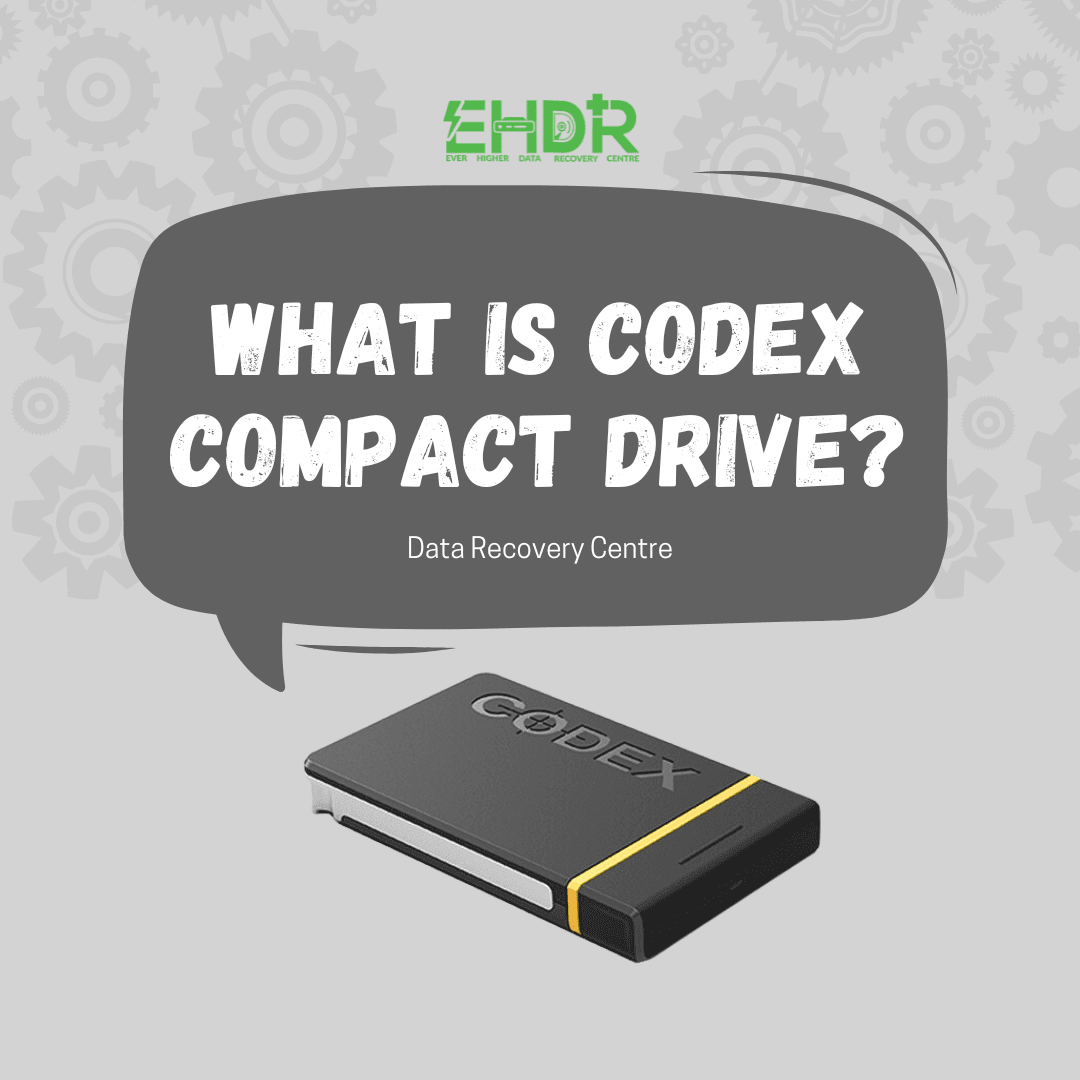
  • What is Codex Compact drive
    What is Codex Compact Drives | How Data Recovery Works If Fail
  • Macbook Notes Gone After Clearing Cache?1
    MacBook Notes Gone After Clearing Cache? Recovery Is Possible

Seach Here

TAGS

Cloud Command Prompt computer data data recovery data recovery company Singapore desktop dns domain Email Files file sharing Folders Hard Disk Drive imap internet IP address IPv4 laptop laptop data recovery singapore Microsoft mobile phone data recovery singapore Office 365 OneDrive Online outlook pop3 Recovery regedit repair hard disk Singapore server Sharing sharing files Singapore data recovery centre smtp storage troubleshooting virus Web Portal Window windows windows 7 windows 10 wireless Zimbra

ABOUT US

We are team of IT expertise who passionately in love with technologies and regularly conducts research & testing to develop new and better IT solutions for difference scales of business. We believe that IT makes business better!

CATEGORIES

  • Blog (163)
  • Devices (11)
  • Hard Drive (8)
  • Other Storage Devices (10)
  • Servers (2)

About EHDR Data Recovery

We can help you with all your data recovery needs. A Data Recovery Company You Can Trust!

217 Henderson Road,
Block 09, Level 2,
Henderson Industrial Park,
Singapore 159555

DATA RECOVERY SERVICE

Internal & External Hard Disk Data Recovery Service | SD Data Recovery Service | SSD Data Recovery Service | Laptop Data Recovery Service | Server Data Recovery Service | NAS/SAN/DAS Recovery Service | Phone Data Recovery Service

Our Blog

  • What is Codex Compact Drives | How Data Recovery Works If Fail
  • MacBook Notes Gone After Clearing Cache? Recovery Is Possible
  • Alternatives to Cloud Storage

Working Hour

Mon - Fri: 9:00 - 18:00

Sat: 10:00 - 13:00 (By Appointment Only)

Sun: Closed

Data Recovery Service & Data Recovery Singapore
  • Home
  • About Us
  • Forensic
  • Blog
  • FAQ
  • Privacy Policy
  • |
  • Contact
  • |

EVER HIGHER DATA RECOVERY CENTRE | COPYRIGHT © 2012 - All Rights Reserved

WhatsApp Now