With Microsoft OneDrive for Business,
You can view your shared files and folders in your mobile phone. We will show you how to do this on your mobile phone.
How to Set up your OneDrive on an Iphone/Ipad Devices
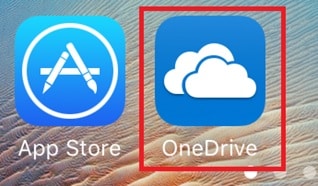
- From the home screen, tap [App Store]

- Search for [OneDrive for Business] and click download

- Once downloaded click on the OneDrive for Business Icon
- Sign in with your Office 365 account

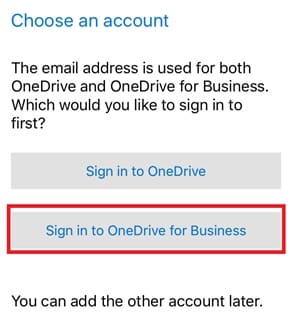
- Click on [Sign in to OneDrive for Business]
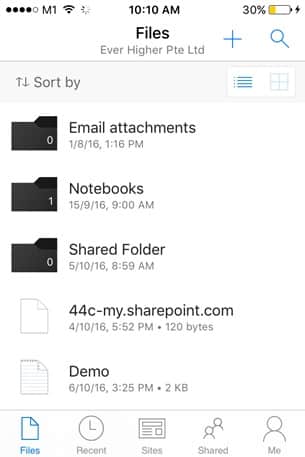
- You can access your OneDrive files
How to Set up your Email on an Andriod Phones/Tablets Device
- From the home screen go to [Google Play Store]

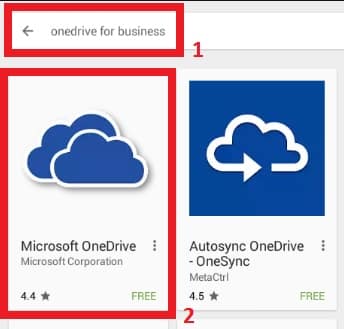
- Search for [OneDrive for Business] and click on the icon shown below
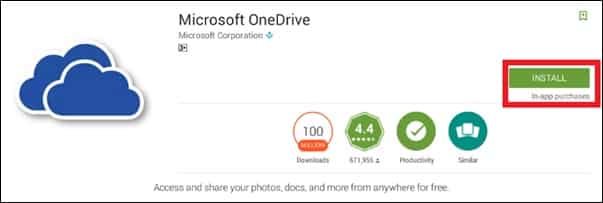
- Click on [Install] to install
- Once downloaded, click on the [OneDrive] icon and sign in with your Office365 account

- You can access your One Drive files