
Call Now: +65 6817 6277

Data Recovery Service & Data Recovery Singapore
  • HOME
  • DATA RECOVERY
    • DEVICE TYPES
      • CCTV Recorder Systems
      • Drones Device
      • PC, Laptop & Tablets
      • Mobile Phones
      • RAID Servers
    • FILE TYPES
      • Emails (PST,IMAP,OST)
      • Files (Documents, Database)
      • Password Recovery
      • Photos, Videos, Audio
      • WhatsApp Mobile Apps
    • STORAGE DEVICES
      • External Hard Disk Drive (HDD)
      • Hard Disk Drive (HDD)
      • Network Attached Storage (NAS)
      • Server Data Recovery
      • Micro SD / SD / CF Card Data Recovery
      • Solid State Drive (SSD)
      • USB Thumb Drive / Flash Drive
  • FORENSICS
    • FORENSIC SERVICES
      • Forensic Mobile Malware Scan
    • ENTREPRISE SOLUTIONS
      • OpenText™
      • Elcomsoft
  • PRODUCTS
    • DATA RECOVERY TOOLS
      • Rusolut
    • DATA RECOVERY SOFTWARES
      • Video Data Recovery Softwares
    • FORENSICS TOOLS
      • OpenText™ EnCase™ Forensic
      • OpenText™ EnCase™ Endpoint Investigator
      • OpenText™ EnCase™ EndPoint Security
      • OpenText™ EnCase™ Mobile Investigator
      • OpenText™ Tableau TX1 Forensic Imager
      • OpenText™ Tableau Forensic TD4
      • OpenText™ Tableau TD2U Forensic Imager
      • PEAK Olympus
      • PEAK Everest
      • PEAK Matterhorn
      • PEAK Fuji
      • Siforce Nano II
      • Siforce One
      • Siforce Smart
      • Siforce Lightning NV
      • Tableau Forensic PCIe Bridge T7U
      • Tableau Forensic SATA/IDE Bridge T35u
      • Tableau T356789IU Forensic Universal Bridge
      • Tableau Forensic SATA/IDE Read-Write Bridge T35u-RW
      • Tableau T6U SAS Forensic Bridge (Write-Blocker)
      • Tableau T8U USB3.0 Forensic Bridge (Write Blocker)
      • Tableau Forensic SATA Drive Bay T3iu
    • FORENSIC SOFTWARES
      • Digital Forensic Softwares
      • Elcomsoft Premium Forensic Bundle
      • Elcomsoft Desktop Forensic Bundle
      • Elcomsoft Mobile Forensic Bundle
      • Elcomsoft Distributed Password Recovery
      • Advanced Office Password Recovery
      • Advanced EFS Data Recovery
      • Advanced PDF Password Recovery
      • Elcomsoft Internet Password Breaker
      • Elcomsoft System Recovery
  • SUCCESS STORIES
  • CONTACT
  • HOME
  • DATA RECOVERY
    • DEVICE TYPES
      • CCTV Recorder Systems
      • Drones Device
      • PC, Laptop & Tablets
      • Mobile Phones
      • RAID Servers
    • FILE TYPES
      • Emails (PST,IMAP,OST)
      • Files (Documents, Database)
      • Password Recovery
      • Photos, Videos, Audio
      • WhatsApp Mobile Apps
    • STORAGE DEVICES
      • External Hard Disk Drive (HDD)
      • Hard Disk Drive (HDD)
      • Network Attached Storage (NAS)
      • Server Data Recovery
      • Micro SD / SD / CF Card Data Recovery
      • Solid State Drive (SSD)
      • USB Thumb Drive / Flash Drive
  • FORENSICS
    • FORENSIC SERVICES
      • Forensic Mobile Malware Scan
    • ENTREPRISE SOLUTIONS
      • OpenText™
      • Elcomsoft
  • PRODUCTS
    • DATA RECOVERY TOOLS
      • Rusolut
    • DATA RECOVERY SOFTWARES
      • Video Data Recovery Softwares
    • FORENSICS TOOLS
      • OpenText™ EnCase™ Forensic
      • OpenText™ EnCase™ Endpoint Investigator
      • OpenText™ EnCase™ EndPoint Security
      • OpenText™ EnCase™ Mobile Investigator
      • OpenText™ Tableau TX1 Forensic Imager
      • OpenText™ Tableau Forensic TD4
      • OpenText™ Tableau TD2U Forensic Imager
      • PEAK Olympus
      • PEAK Everest
      • PEAK Matterhorn
      • PEAK Fuji
      • Siforce Nano II
      • Siforce One
      • Siforce Smart
      • Siforce Lightning NV
      • Tableau Forensic PCIe Bridge T7U
      • Tableau Forensic SATA/IDE Bridge T35u
      • Tableau T356789IU Forensic Universal Bridge
      • Tableau Forensic SATA/IDE Read-Write Bridge T35u-RW
      • Tableau T6U SAS Forensic Bridge (Write-Blocker)
      • Tableau T8U USB3.0 Forensic Bridge (Write Blocker)
      • Tableau Forensic SATA Drive Bay T3iu
    • FORENSIC SOFTWARES
      • Digital Forensic Softwares
      • Elcomsoft Premium Forensic Bundle
      • Elcomsoft Desktop Forensic Bundle
      • Elcomsoft Mobile Forensic Bundle
      • Elcomsoft Distributed Password Recovery
      • Advanced Office Password Recovery
      • Advanced EFS Data Recovery
      • Advanced PDF Password Recovery
      • Elcomsoft Internet Password Breaker
      • Elcomsoft System Recovery
  • SUCCESS STORIES
  • CONTACT

LATEST

POSTS & TUTORIALS
November 27, 2020  |  By KC Ng

SSD Consists of What Components?

SSD

Solid State Drive (SSD)


Solid State Drive (SSD)

Solid State Drive (SSD) is a storage media that uses NAND Flash Chips. SSD and HDD handle data differently, and SSD is a device that holds data using a set of electronic circuits. In contrast, an HDD drives data differently, and SSD is a device that has data using a set of electronic circuits while an HDD stores magnetic data on the platter’s surface. EHDR will discuss SSD's components in this blog.

A – Controller

This is the brain of the SSD. It manages the data flow between the host computer and the NAND flash memory. It also performs error correction, data encryption, and wear leveling functions. The controller ensures that data is written and read correctly and efficiently. These functions performed by the controller will increase the complexity of SSD recovery.

B – NAND Flash Chip

This is the primary storage medium used in SSDs. It consists of memory cells that store data as electric charges. The cells are organized into pages, which are grouped into blocks. The pages can be written and erased independently, but erasing a block requires the entire block to be cleared at once. This can cause some performance issues, which are mitigated through wear leveling. Data recovery will be impossible if this chip is damaged while it fails.

C – Cache

This is a small amount of high-speed memory used to store frequently accessed data temporarily. It helps to speed up data access times and improve overall performance. For example, if your SSD is currently used for video editing, music playing, and online surfing, there is a small amount of data buffer in the cache chip. It helps to increase the speed when you swift to another application and can play directly. But this volatile cache memory power to maintain it. The stored data will fade away if the power or electrical current is interrupted.

D - Interface

This is the connection between the SSD and the host computer. Several different interface types exist, including SATA, PCIe, and NVMe. The interface determines the speed at which data can be transferred between the SSD and the host computer.

E - Firmware

This is the software that controls the operation of the SSD. It is stored on the controller and manages wear leveling, error correction, and garbage collection functions.

F - Capacitors

These small power sources are saved to the SSD during a power outage. They provide a temporary power supply to the SSD, allowing it to complete any pending write operations and protect data from corruption.

Summary

SSD manufacturers make many innovations and improvements. They come with better performance with a different structure. Due to the vast range of errors, we provide assessment services for the user. To increase the chances of recovery, our team will provide solutions based on root cause failure, and the user will decide after understanding the drive condition. EHDR will keep learning and improving our knowledge and skills for our clients. Please feel free to reach out to contact us anytime.

EHDR, We Leave No Data Behind.
  CONTACT US  

Please enable JavaScript in your browser to complete this form.
Loading

Previous StoryWhat is Hard Disk Drive (HDD)
Next StoryWear Levelling

Related Articles

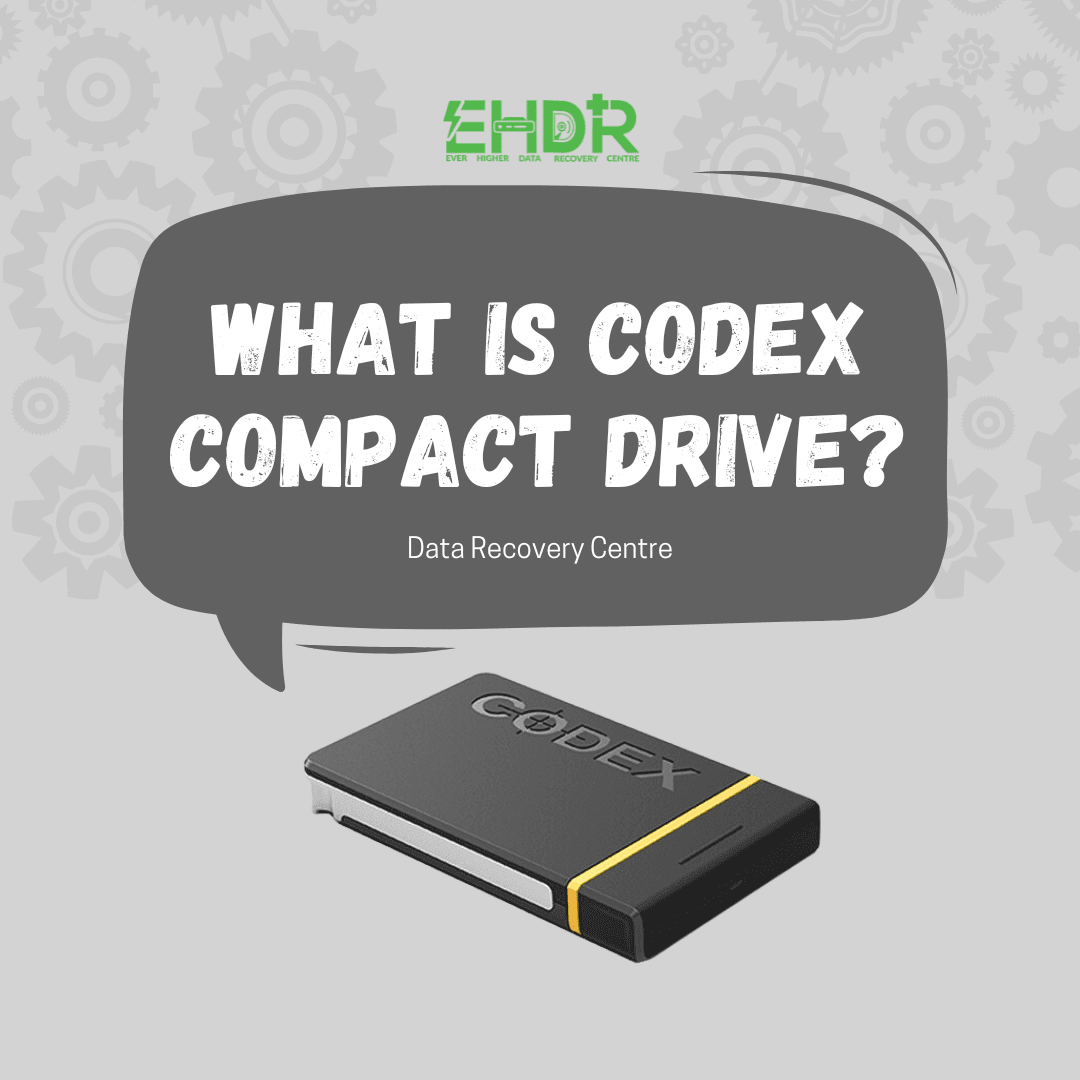
  • What is Codex Compact drive
    What is Codex Compact Drives | How Data Recovery Works If Fail
  • Macbook Notes Gone After Clearing Cache?1
    MacBook Notes Gone After Clearing Cache? Recovery Is Possible

Seach Here

TAGS

Cloud Command Prompt computer data data recovery data recovery company Singapore desktop dns domain Email Files file sharing Folders Hard Disk Drive imap internet IP address IPv4 laptop laptop data recovery singapore Microsoft mobile phone data recovery singapore Office 365 OneDrive Online outlook pop3 Recovery regedit repair hard disk Singapore server Sharing sharing files Singapore data recovery centre smtp storage troubleshooting virus Web Portal Window windows windows 7 windows 10 wireless Zimbra

ABOUT US

We are team of IT expertise who passionately in love with technologies and regularly conducts research & testing to develop new and better IT solutions for difference scales of business. We believe that IT makes business better!

CATEGORIES

  • Blog (163)
  • Devices (11)
  • Hard Drive (8)
  • Other Storage Devices (10)
  • Servers (2)

About EHDR Data Recovery

We can help you with all your data recovery needs. A Data Recovery Company You Can Trust!

217 Henderson Road,
Block 09, Level 2,
Henderson Industrial Park,
Singapore 159555

DATA RECOVERY SERVICE

Internal & External Hard Disk Data Recovery Service | SD Data Recovery Service | SSD Data Recovery Service | Laptop Data Recovery Service | Server Data Recovery Service | NAS/SAN/DAS Recovery Service | Phone Data Recovery Service

Our Blog

  • What is Codex Compact Drives | How Data Recovery Works If Fail
  • MacBook Notes Gone After Clearing Cache? Recovery Is Possible
  • Alternatives to Cloud Storage

Working Hour

Mon - Fri: 9:00 - 18:00

Sat: 10:00 - 13:00 (By Appointment Only)

Sun: Closed

Data Recovery Service & Data Recovery Singapore
  • Home
  • About Us
  • Forensic
  • Blog
  • FAQ
  • Privacy Policy
  • |
  • Contact
  • |

EVER HIGHER DATA RECOVERY CENTRE | COPYRIGHT © 2012 - All Rights Reserved

WhatsApp Now