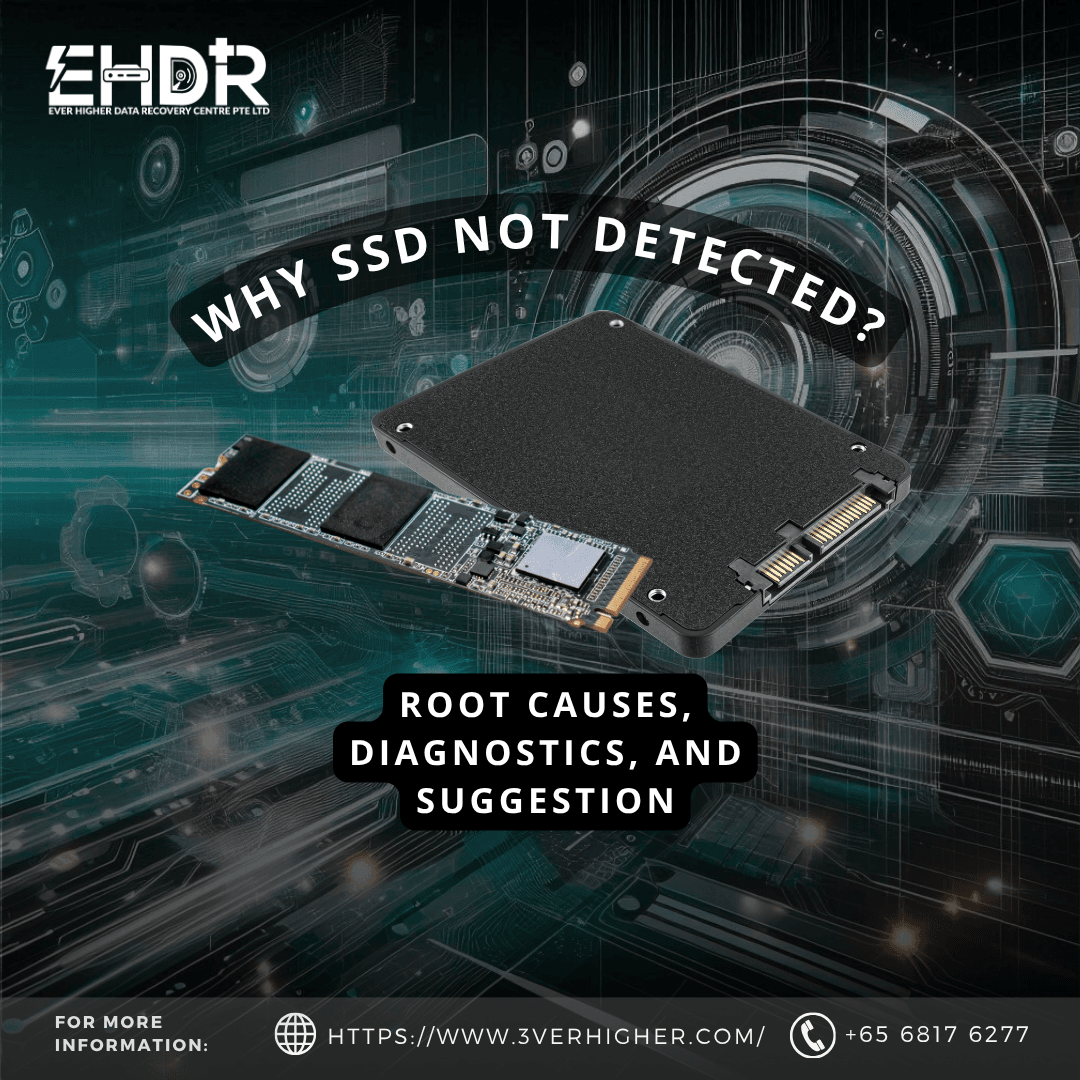
When an SSD stops being detected by the BIOS/UEFI or the operating system, the cause is almost always electrical, firmware-level, or controller-related, not a simple "corruption." Treating it like a corrupted volume and attempting to recover it using common tools is the single most common way businesses turn a recoverable failure into permanent data loss.
Identify "Not Detected"
A drive that fails to boot an OS but still shows up in BIOS/Disk Management has a very different failure profile than a drive that vanishes entirely from the system. To verify, try reseating the SSD in your PC and laptop. If it is still undetectable at the firmware level, standard recovery software will not work.
Common software usually works on the SSD that is still detectable by the OS, and attempts to "troubleshoot" it while still recognizing it.
If the SSD is unstable or having intermittent disconnection, actions like reseating it repeatedly or running chkdsk, might cause the chip condition to worsen.
Root Technical Causes
To understand your SSD better, below are the symptoms you might encounter so that you could make a better decision:
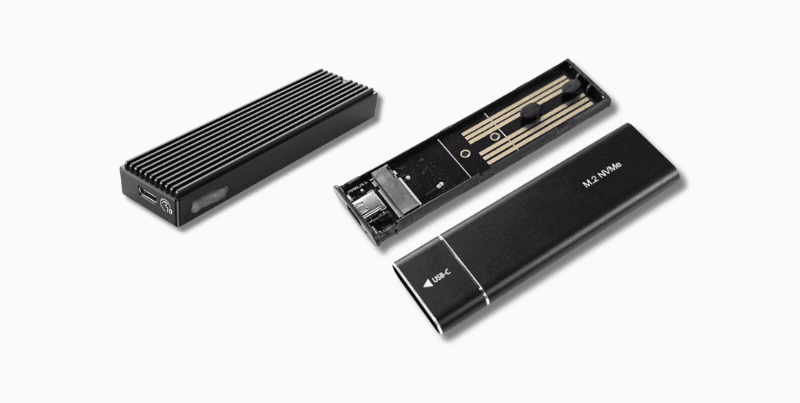
1. Bridge or Interface Chip Failure (External Enclosures)
For external SSDs, the NVMe enclosure bridge chip is a frequent point of failure, separate from the drive itself. If you are using this external enclosure, try a new one, and you might solve it just by doing this.
- Symptoms: Drive not detected via USB, but if pulled from the enclosure and connected directly (SATA/NVMe), it may access normally.
- Cause: Bridge chip ESD damage, enclosure PSU failure, or cable/port degradation.
2. Controller Failure
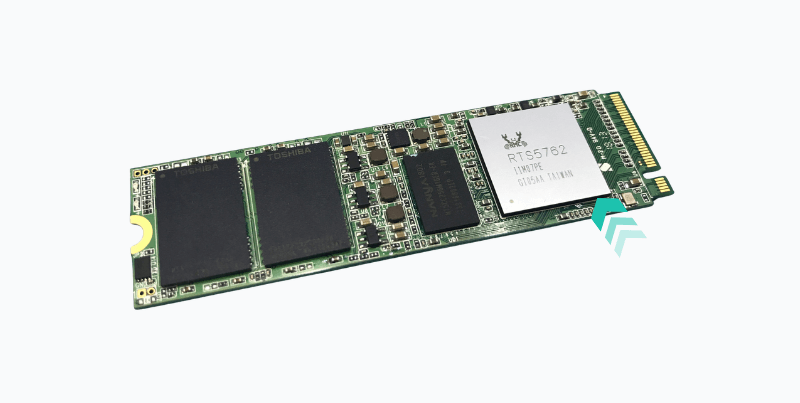
The SSD controller (the chip managing wear-leveling, error correction, and the flash translation layer, or FTL) is the most common point of failure in an undetected drive.
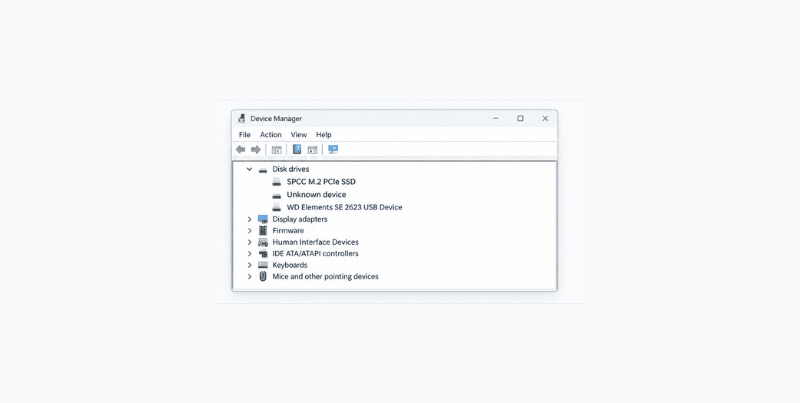
- Symptoms: The drive doesn't appear in BIOS, doesn't appear in Device Manager, or shows “Unknown Device” instead of the SSD’s model details.
- Cause: Power surge, ESD damage, thermal stress, or a manufacturing defect in the controller ASIC.
3. Firmware Corruption or Assertion Failure
Many enterprise and consumer SSDs are known to enter a "BSY" (busy) state, where the controller boots into a diagnostic loop and never presents itself to the host.
- Symptoms: Drive detected briefly then disappears, inconsistent detection across reboots, drive detected as 0MB or with the wrong model info.
- Cause: A firmware bug triggered by a specific power-loss event, bad block, or a known vendor defect.
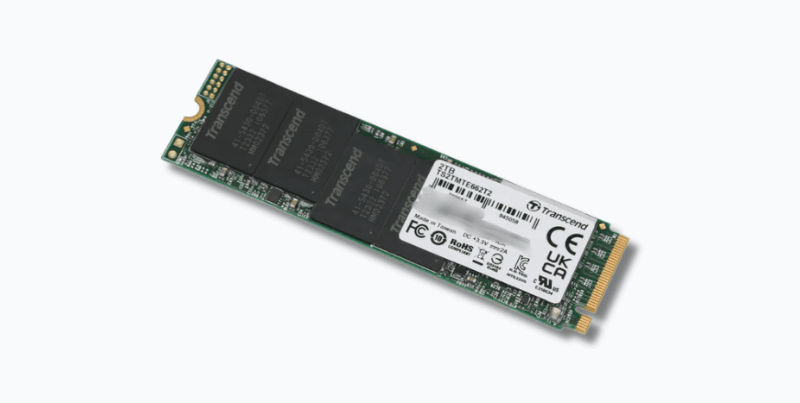
4. NAND Die Failure (Partial)
Multiple NAND packages just like photo above, if one of it die, it will fail while the controller and the rest of the NAND remain functional.
- Symptoms: Drive is detected, but capacity is misreported, or the OS reports read errors.
- Cause: Wear and tear, manufacturing defects, or thermal damage to a specific chip.
Immediate Risk-Mitigation Steps for IT Teams
- Stop power cycling. Each power-on attempt on a failing controller risks triggering further firmware corruption or an unrecoverable assertion failure.
- Do not run chkdsk /f, repair utilities, or re-partitioning tools. This methodology is not for a not-detected SSD.
- Do not attempt firmware flashes found on forums. Mismatched firmware versions can permanently overwrite FTL tables required for NAND-level reconstruction, and there is no way to reverse that.
- Document the failure context. Note the exact symptom (BIOS detection vs. OS detection vs. misreported capacity), any recent power events, and whether the drive was in a RAID/NAS array.
- Isolate the drive. If it's part of a RAID array, do not allow the array controller to attempt an automatic rebuild because it can overwrite parity data needed for reconstruction.
- Preserve current state. Power the drive down and avoid further attempts once a "not detected" state is confirmed across two different enclosure, ports or systems.
When to Escalate to Professional Recovery
Scenario | Suggest DIY Fix | Recommended Action |
| Drive detected, but volume won't mount | Use a read-only imaging tools | Image the drive before any DIY or repair attempt |
| Drive not detected in BIOS/UEFI at all | No | Controller-level fault. Requires recovery lab to perform chip level recovery. |
| Drive detected intermittently or as 0MB | No | Likely firmware assertion failure. Do not power cycle further |
| External SSD not detected via USB | Partial | Try a new enclosure, use different PC, different OS PC, change cable |
| SSD was part of a RAID/NAS array | No | Do not trigger rebuild. Escalate it immediately |
The Business Continuity Angle
For IT Directors and business owners, the operational risk isn't just the data, it's the decision window. Every hour spent on unguided troubleshooting is an hour in which recoverable NAND-level data can degrade further, particularly on drives already showing partial die failure or firmware instability. Establishing a clear internal policy such as “stop, isolate, document, escalate” before an SSD failure occurs. These simple actions reduce downtime costs.
Have an SSD showing signs of controller or firmware failure? The diagnostic steps above are designed to preserve recoverability. Professional evaluation is recommended before any further troubleshooting on drives that are not detected at all.
EHDR, We Leave No Data Behind.